from copyscam@lemmy.ml to privacy@lemmy.ml on 29 Dec 2025 03:02
https://lemmy.ml/post/40946786
edit: I changed my location and that seems to have worked for now. still a strange thing that it was localhost and not “site blocked” or something if my location was the issue. my VPN (ExpressVPN) was set to NJ. I switched to Toronto. ___ 🤷
hi all!!
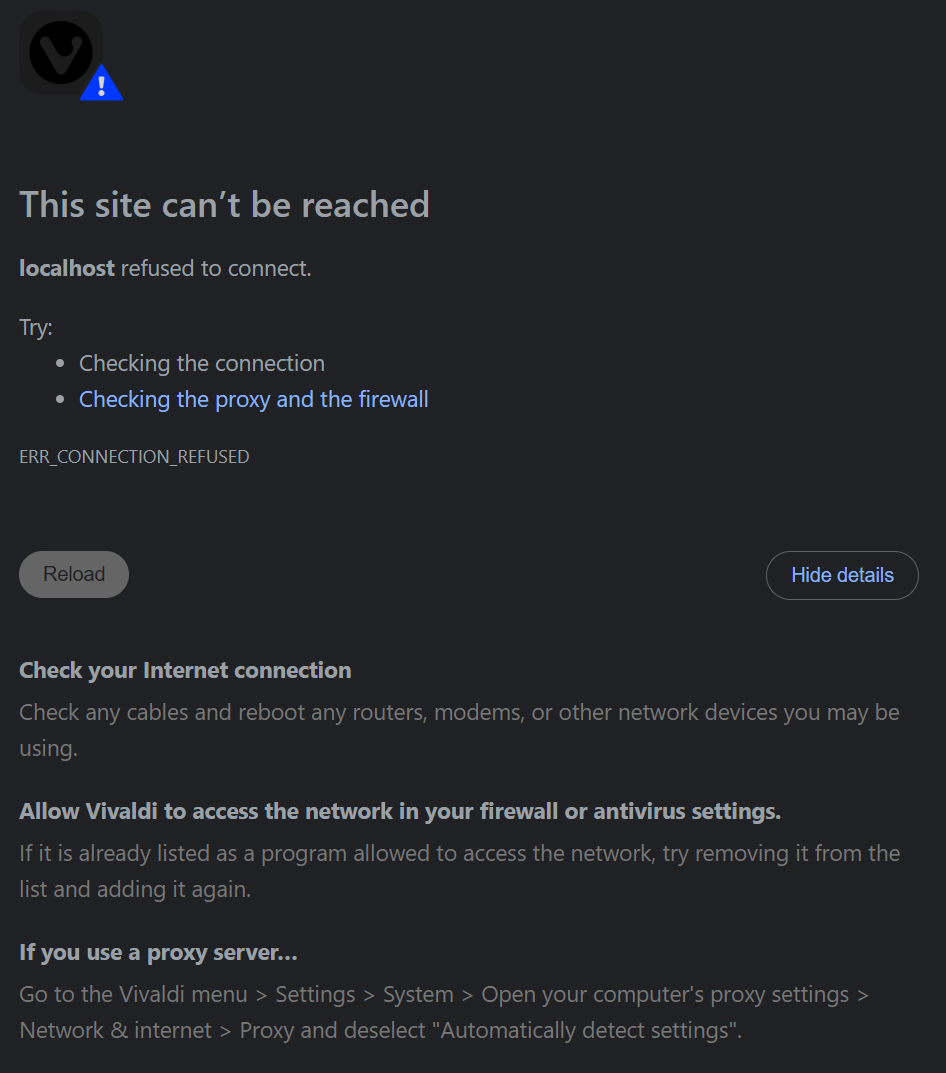
has anyone else had this issue and been able to fix it? it happens on any browser (vivaldi, brave, lightning, vivandium…), phone or desktop, if I’m connected to my VPN.
I’m using startpage specifically because it’s supposed to be privacy-focused… I don’t want to keep disconnecting my VPN every time I have to make a search.
(internet connection is working perfectly and no issues with other sites)
(I have some other search engines I use for specific things, but looking to troubleshoot this if anyone knows the solution…)
threaded - newest
.
Tried it with VPN on and on Vivaldi on Android and it works just fine. I think you have another gremlin in your setup.
thanks for checking…I’m extremely confused!
why does it say localhost…? I can use startpage.com just fine through my ProtonVPN (japan)
that’s what I’m confused about. when I turn off my VPN, it loads normally, without changing any settings within the browser or computer/phone.
try running nslookup with/without VPN, also try changing your DNS (Quad9 recommended)
If you are using a VPN app it may be intercepting and proxying web traffic for you (whether you realize it or not). This would explain why it works when you ‘turn off the vpn’.
If your VPN provider requires an app, well, that sucks and you should consider using another provider that does not.
.
I deleted what I wrote before. If it federated, ignore it.
Your browser is trying to find startpage.com on your local machine instead of the Internet.
While on the VPN, open a command window and ping startpage.com. Does it return localhost or the real IP address? If it returns the real IP address, then the problem is related to the browser. Try another browser to see if it’s Vivaldi-related.
If it returns localhost then maybe it’s a setting in protonVPN?
This is strange. Just try to find clues.
thank you! yea it’s really weird that it was going to “localhost” that’s what was tripping me up. I tried changing locations of the VPN and that seems to have worked for now, but I don’t really get why. computers, man.
I’ve got my VPN on and I can connect fine. Have any settings changed in your VPN client? Or can you try changing the endpoint you connect to?
omg ok I changed the location and it worked. thanks! this is still really weird, because it was happening before on another location, but maybe I’ll just try to change that next time.
Maybe they block connections to that endpoint’s IP? Whatever the reason, I’m glad it worked.
Reminder: Startpage was sold to System1, an Ad-Company.
That doesn’t sound good 😐
thanks for the info! so what are recommended alternatives?
I just use DDG… not optimal still but I feel kinda defeated.
Qwant is decent, better image results too
Do they rate limit as hard as searx/startpage? I can search like 10 things a day on those and that just doesn’t cut it with the level of ADHD I’ve been saddled with.
the ads have been increasingly annoying for me. still always looking for solutions to this enshitification.
Kagi.
Been using it for a couple years, everything else just feels gross now when I end up on them on a device without it.
I do a lot of technical research, so it’s a good fit, if you largely just look for pop news and stuff probably not.
^Inb4 the user that always responds to Kagi mentions puts me on blast because kAGi UsEs YaNDeX^
Well shit. Thank you for telling me this. I’ve been using startmail as my alternative to Proton as I de-Googled.
Currently looking to see if Startmail is also owned by System1. Anyone aware of other email services that you use?
This happens unfortunately more often since a year or so with Tor as well. It should not depend on DNS because I use always Mullvad. I guess, it’s a weird blocking behaviour.
That’s why I switched to brave and use startpage much less
Yes and no, what ocurred is that Startpage in default privacy mode, us an own proxy, which may enter in conflict with an VPN. You can’t use an VPN or Proxy over another one. Startpage, even now owned by System one, remains pretty private.
<img alt="" src="https://lemmy.ml/pictrs/image/44327b10-9054-4d53-8f09-42a76db03c3c.png">
It’s news to me that you can’t connect to a proxy over a VPN.
It depends if the VPN skip it or not, but a VPN can enter in conflict if your connection goes already over an proxy, which is probably the case in Startpage. There are are several proxy extensions in the stores, eg. CyberGhost, and VPNLY, if you activate both, they’ll give an error.
mojeek best search engine
Glad the location reroll worked. Idk if it’s related to the VPN (mullvad) but fwiw I can barely use startpage nor searx because they rate limit me hard enough that it gets in the way of my daily curiosity, without rerolling at least 2x daily that is. Oh well DDG for me I guess.
4get is the best search engine